I was in the dark with darktable
learning
I had been struggling with darktable (https://www.darktable.org/), the open source RAW file image management and processing program, for a number of reasons.
The biggest of them was the size of the learning curve about terminology and the wealth of functionality. I was sure I didn't need all of it, but how to sort out what I do need, where it is in the darktable interface, and how I use it exactly?
Most of the tutorials I found were YouTube videos, and I can tell you as someone with ADHD, video tutorials just do not work for me – they're too much like teaching was at school.
The teacher explained things and moved on, you'd fixated on what you didn't understand or misheard about the very first thing they said (and were still thinking about it), but they have carried on and you missed it all so you try to refocus on what they are saying now, trying to catch up, and forget what the first thing was entirely. Then they say "Any questions?" and you are sure you had some but can't remember what you had questions about now, but while you're trying to remember everything else they have been talking about also fades into the aether, so ultimately nothing at all has stuck in your brain.
Yes, with video you can rewind, but please... what if I want to refer back to something I half-remember you might have said? Take notes you say? So keep pausing and rewinding to write stuff down... do you know how likely it is that any notes would make sense two days later? What if, as I'm using the app, I want to check on something – which video was it in again? Whereabouts on the video? Was this the one? Ooh.. a video about mushrooms, I'll look at that and come back to... whatever I was doing before the mushrooms.
No.
It would be so much easier for me to retain something and easily leave it on the screen to refer to while I try it out, if it was a written tutorial. But the monetising video makers don't want to do that of course.
solution
Anyway, after seeing it posted on the Fediverse, I discovered the darktable.info site: darktable.info/en/welcome-to-the-modern-darkroom
Thank you to the team behind it. This, along with the plug-ins they offer to simplify the interface, has made darktable a lot more straightforward for me to learn what I need to use it. And it is there to refer to easily when I forget things, indexed and relevant in seconds1.
Brilliant.
crashing
Then I faced my second battle. My system kept force-closing darktable down, saying it was running away with system memory. Sometimes it seemed to work OK for a while before doing it, then bang, whatever I was working on disappeared, and the little notification box telling me the program had been forced to close popped up.
Searching for help on this sort of thing, for Ubuntu or Linux in general, is... well, there are a lot of blind alleys. The forums are frequented by a lot of very knowledgeable people, but bloody hell, I don't know what language they're speaking most of the time.
In the end, I read a few threads that looked like they might touch on my issue, but it ended up after a lot of hopeful reading they didn't really, or the thread was from years ago and was referencing many versions back, so the screenshots and functions weren't really relevant to my versions of the program or OS now.
solution?
But things mentioned during the discussions stuck around in my memory somehow, so when I was just looking through the darktable settings to do with processing, I remembered a comment about how flaky the OpenGL drivers were sometimes (I do not know what an OpenGL is) and I'd happened upon a checkbox that let me stop darktable from using those drivers.
So I unticked it. What was the worse that could happen? A continuous whining noise and smoke rising out of my PC's case maybe? Nah, surely not?
What happened? Seemingly nothing. But it is definitely the case that darktable has not crashed since. (All necessary superstitious precautions have been taken.)
So I'm off now. I know what I'm doing a little bit better and confidence in using the darktable product has been boosted.
Now there's just the simple question of taking a few more photographs than I have been doing recently.
fencepost 0511
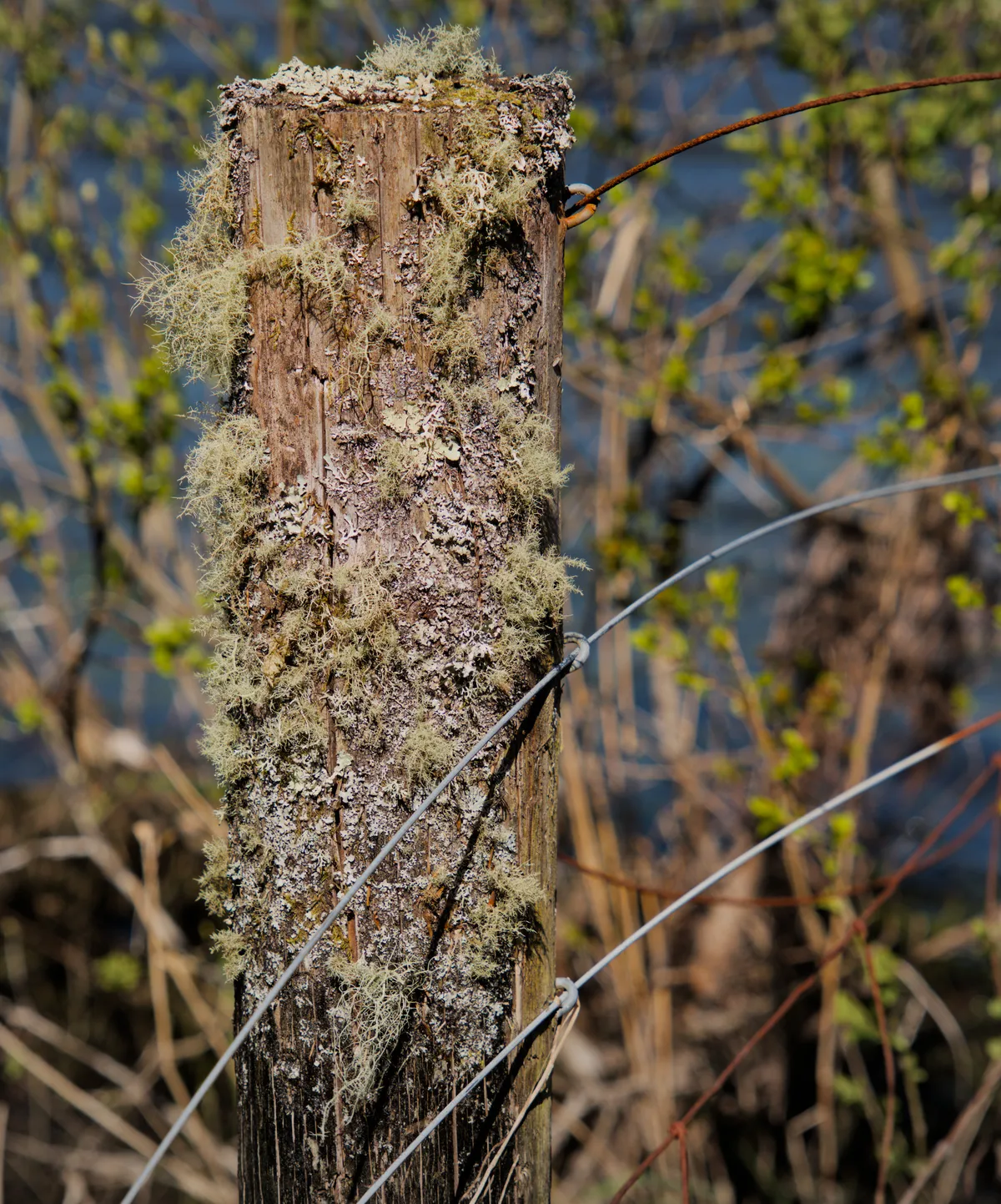
click on the picture for a lightbox view
Previous post
Next post
Yes, I know that there is the full manual online from darktable themselves but... well, I am a simple man with concentration and attention issues, so I need something simpler than that.↩